Delete node_modules on your Mac. Get gigabytes back.
Every JavaScript project keeps a node_modules folder full of downloaded packages, and they quietly fill your disk. Node Modules Cleaner finds them all automatically, shows how big each one is, and removes the ones you choose.
On the Mac App Store · macOS 15 or later · Apple silicon and Intel
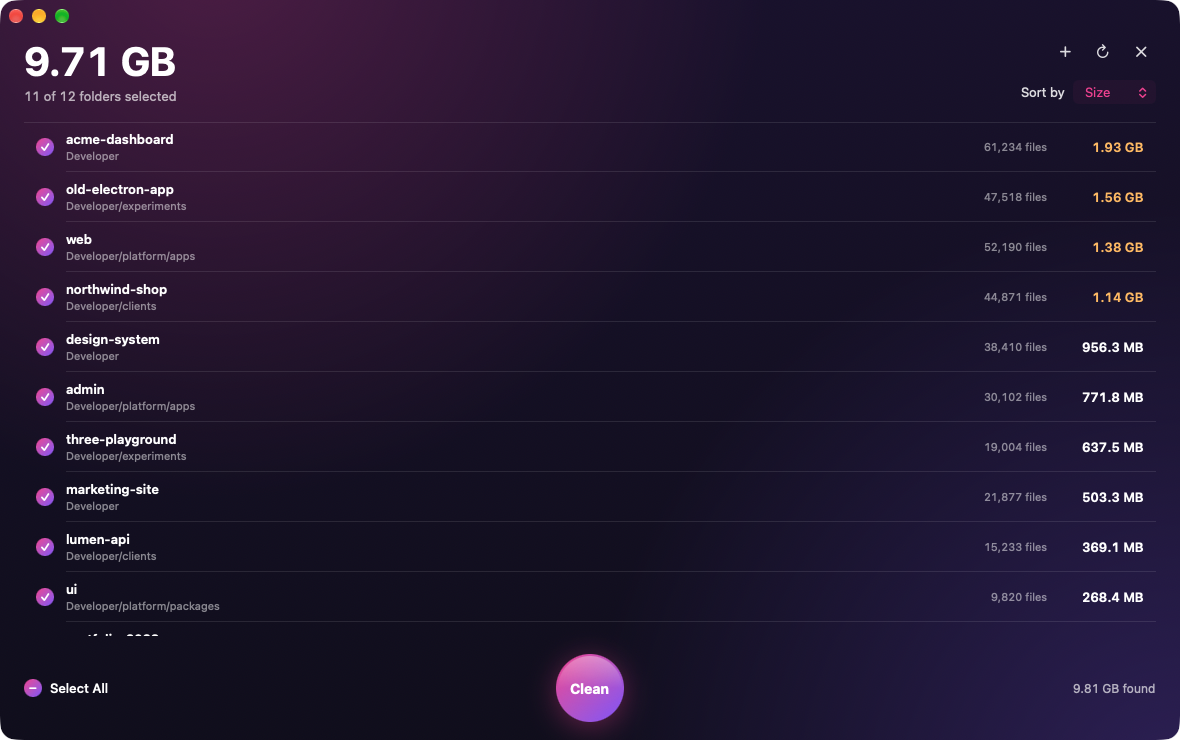
Example projects shown. The app lists the folders on your own Mac.
What is node_modules?
When a JavaScript project is set up, a package manager downloads every library it needs into a folder called node_modules. It’s often far bigger than the project itself, and there’s one in every project you’ve ever installed.
It’s also disposable. Running the project’s install command, such as npm install, downloads everything again whenever you need it.
my-website1.22 GB
src2.4 MB
public1.1 MB
package.json2 KB
node_modules1.21 GB
An example project: the code you wrote is a few megabytes; its downloaded packages are over a gigabyte.
Drop in a folder. See every one.
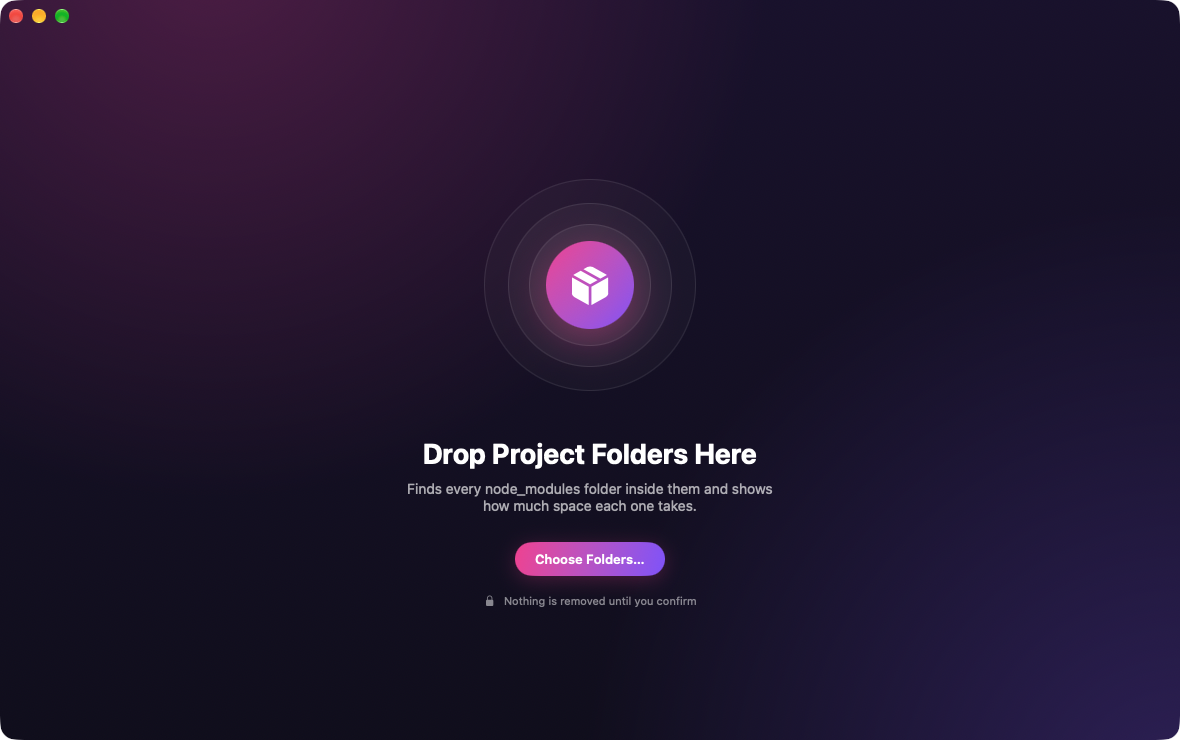
Drag your projects folder onto the window. Every node_modules folder inside is found, measured and sorted by size, including the ones buried in monorepos.
Sizes show what deleting would really free.
Links are never followed; system folders and apps are skipped.
Nothing goes until you say so.
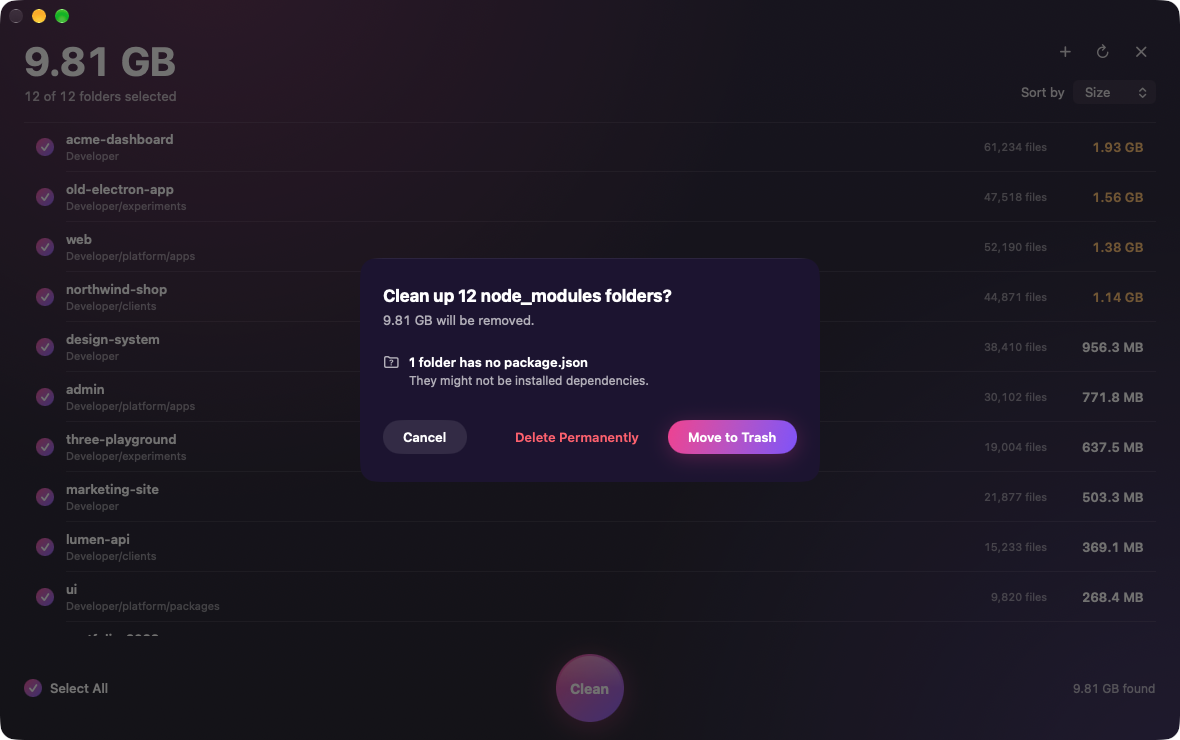
Before anything is removed, you see how many folders and how much space. Move them to the Trash if you might change your mind, or delete them permanently to get the space back right away.
Only project dependencies are selected for you.
Global tools, app folders and cloud-synced folders are flagged.
Every folder is checked again right before it’s removed.
Get the space back.
When it’s done, you see exactly how much you freed. Need one of those projects again? Its install command brings everything back in a minute.
Private by design.
A small native Mac app that does one job, on your Mac and nowhere else.
No account
Open it and start cleaning. There’s nothing to sign up for.
No internet
It never connects to the internet. Nothing leaves your Mac.
Only your folders
macOS sandboxes it, so it only sees the folders you choose.
Questions, answered.
How do I delete all node_modules folders on my Mac?
Open Node Modules Cleaner and drag your projects folder (for example ~/Developer) onto the window. It finds every node_modules folder inside automatically, including nested projects and monorepos, and lists them by size. Click Clean, then choose Move to Trash or Delete Permanently.
Is it safe to delete node_modules?
Yes, for your own projects. node_modules only holds downloaded dependencies, and your package manager rebuilds it from package.json and the lockfile when you run npm install, pnpm install or yarn. The app selects only project dependencies by default and flags global packages, tool folders and cloud-synced folders before you remove them.
Can it remove node_modules automatically?
It finds and measures every node_modules folder automatically and pre-selects the ones that belong to projects, so cleaning them all takes one click and a confirmation. It never deletes anything without your confirmation and doesn’t run in the background.
How much space will I get back?
It depends on your projects. A single project’s node_modules often takes hundreds of megabytes, and larger apps can pass a gigabyte. The app shows the exact amount each folder would free before you delete anything, counting hard-linked files (such as pnpm’s store) only once.
Can I delete node_modules from Terminal instead?
Yes. find ~/Developer -name node_modules -type d -prune -exec rm -rf '{}' + deletes every node_modules folder under that path immediately and permanently, without showing sizes or skipping global packages. Node Modules Cleaner shows you what’s there first and lets you use the Trash. See three ways to delete node_modules on a Mac.
Does it work with npm, pnpm, Yarn and Bun?
Yes. It works with any node_modules folder, whichever package manager created it. Projects using Yarn Plug’n’Play don’t have a node_modules folder, so there’s nothing to clean there.
Which Macs does it run on?
macOS 15 or later, on Apple silicon and Intel Macs. It’s available on the Mac App Store.
Give your Mac its space back.
Find every node_modules folder in a minute, and keep only the ones you still need.